

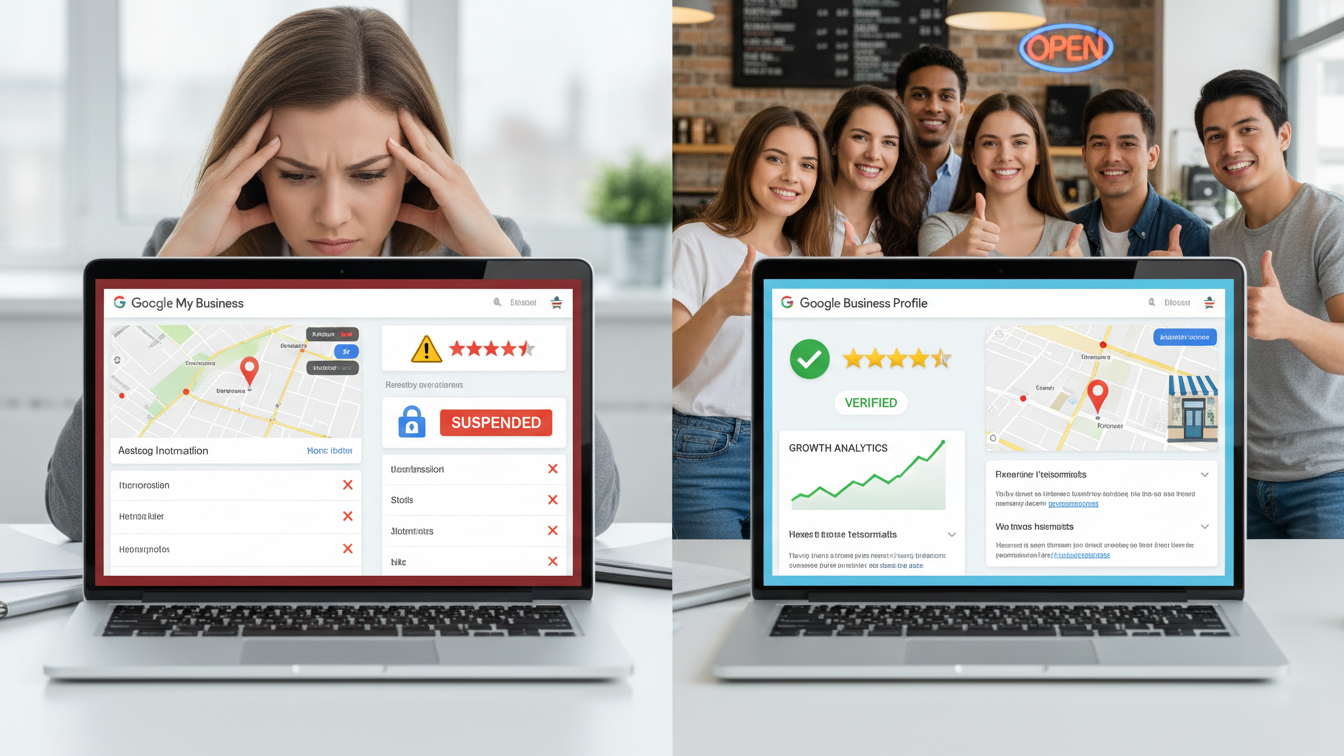

One of the most effective tools for small businesses is Google My Business (GMB), which is now called Google Business Profile. It makes it easier for clients to find your company on Google Maps and Google Search, read reviews, obtain directions, and get in touch with you.
However, many business owners and the general public face common GMB problems such as profiles not showing, negative reviews, suspension issues, wrong business details, and low customer trust.
This complete guide explains all major Google My Business problems and their practical solutions, in simple and clear language.
1. Google My Business Profile Not Showing on Google
Problem:
Your business does not appear on Google Search or Google Maps even after verification.
Causes:
- Profile not fully verified
- Incomplete business information
- Violation of Google guidelines
- Low local SEO signals
Solutions:
- Complete verification using phone, email, or video
- Fill all details: name, address, phone, category, business hours
- Add real photos and business description
- Make sure that NAP (Name, Address, Phone) is consistent throughout the internet.
2. Low Visibility or Poor Ranking on Google Maps
Problem:
Your business appears but ranks very low compared to competitors.
Solutions:
- Choose the most accurate primary business category
- Add secondary categories relevant to services
- Post regular updates using Google Posts
- Collect genuine customer reviews
- Add local keywords in business description
3. Google Reviews Not Showing or Missing
Problem:
Customer reviews are submitted but not visible publicly.
Causes:
- Google spam filter
- Reviews from suspicious accounts
- Policy violations
Solutions:
- Ask customers to post honest, detailed reviews
- Avoid fake or paid reviews
- Respond to all reviews professionally
- Give Google time (24–72 hours) for review approval
4. Negative Reviews Affecting Business Trust
Problem:
Negative reviews reduce customer trust and business credibility.
Solutions:
- Respond politely and professionally to negative reviews
- Address customer concerns openly
- Report reviews only if they violate Google policies
- Encourage satisfied customers to share positive experiences
5. Google My Business Profile Suspended
Problem:
Your profile is suspended and no longer visible to the public.
Common Reasons:
- Inaccurate business information
- Duplicate listings
- Using virtual office or fake address
- Policy violations
Solutions:
- Review Google Business Profile guidelines carefully
- Correct all incorrect information
- Submit reinstatement request with proper proof
- Avoid repeated edits during review process
6. Incorrect Business Information Showing Publicly
Problem:
Wrong address, phone number, or business name is visible on Google.
Solutions:
- Edit information directly in Google Business Profile
- Verify changes through OTP or video verification
- Update information consistently across all platforms
- Monitor suggestions made by the public
7. Customers Can’t Find the Business Location
Problem:
Google Maps shows incorrect pin location or directions.
Solutions:
- Adjust map pin manually in GMB dashboard
- Add landmark-based directions in description
- Upload exterior photos of business location
8. Google My Business Messaging Not Working
Problem:
Customers cannot send messages through GMB.
Solutions:
- Enable messaging from dashboard
- Install Google Maps app for quick replies
- Respond within 24 hours to maintain trust
9. Fake Listings or Duplicate Business Profiles
Problem:
Duplicate or fake profiles confuse customers.
Solutions:
- Report duplicate listings via Google Maps
- Request merge for legitimate duplicates
- Regularly monitor your brand name on Google
10. Building Customer Trust Using Google My Business
Best Practices:
- Add real photos and videos
- Update business hours and holidays
- Post offers, events, and announcements
- Respond to Q&A section actively
- Maintain a high review response rate
11. Add a new phone number and remove the old one in Google My Business
Problem:
how you can add a new phone number and remove the old one in Google My Business.
Solutions:
- Check for “Suggested edits” or Pending status
- Remove phone number completely → Save → Add again
- Verification issue (Common reason) If the new number is not verified, Google may reject it.
Try this:
-
- Add new number.
- If Google asks for call/SMS verification, complete it.
- After verification, remove old number.
- Contact Google Support (Final Fix)
If nothing works:
-
- Go to Google Business Profile Help.
- Choose Contact us.
- Select:
- Business information issue
- Phone number not updating
- Chat or email support.
-
- Tell them:
“My phone number is not updating even after editing. Please update it manually.” They usually fix it in 24–48 hours or using Case id do it repeatedly.
Message you can copy–paste to Google Support
Hello Team,
I tried updating my phone number in my Google Business Profile multiple times, but the old number is still showing.
Please remove the old phone number and update my profile with the new phone number.
Business name: ______
Address: ______
Correct phone number: ______
Thank you.
Timeline
- Google usually fixes it within 24–48 hours
- Sometimes they may ask for proof (website screenshot or bill)
Best Practice
- Keep only ONE primary phone number
- Ensure same number everywhere online
Conclusion
Google My Business is essential for solving public-facing business problems such as visibility, trust, reviews, and customer communication. By following the solutions in this guide, businesses can improve local rankings, attract more customers, and build long-term credibility on Google. If managed correctly, Google My Business becomes a powerful public solution platform, not just a listing.
Looking for expert GMB support? Get in touch with Fusion Digital Marketing Agency today and let us elevate your Google My Business presence.
Frequently Asked Questions (FAQ)
Q1. Is Google My Business free?
Yes, Google Business Profile is completely free for all businesses.
Q2. How long does verification take?
Verification usually takes 1–7 days depending on method.
Q3. Can a suspended profile be recovered?
Yes, most suspensions can be recovered by submitting correct details and proof.
Q4. How frequently should my GMB profile be updated?
at least once a week with updates, pictures, or posts.